



Show your images and photos creating attractive presentations
Traditional photo albums, that usually collect dust and only see the light of day with the occasional visit from distant relatives, have definitely lost all their reason of existence. Now, whoever wants to show their photographs in a sublime frame can access programs like Quick Slide Show very easily.
Create dynamic photo presentations with your images and pics. Slideshows are a new way to present your images in a manner that is more appealing than the traditional and with additional options that add an interesting plus to the images. Combine these photographs with texts and sound in your presentations to expand the experience. A slideshow is nothing more than a presentation that passes the images automatically.
Features
- Create auto-executable CDs with your presentation.
- Import file batches in BMP, GIF, JPG, PNG and TIFF format.
- Export your presentations in multiple formats: SWF, HTML, EXE, SCR...
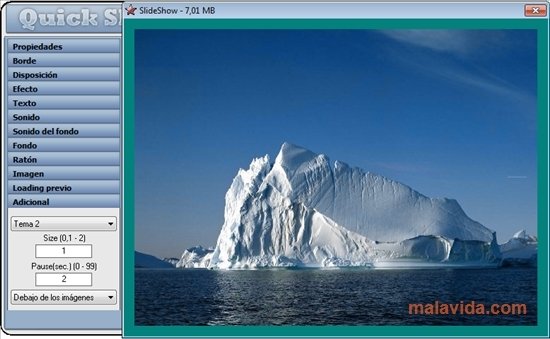
- Modify the size of the slides and the speed at which they change.
- Change the background image or its color.
- Add audio to the presentations and also transition sounds, with the possibility to configure the volume and quality.
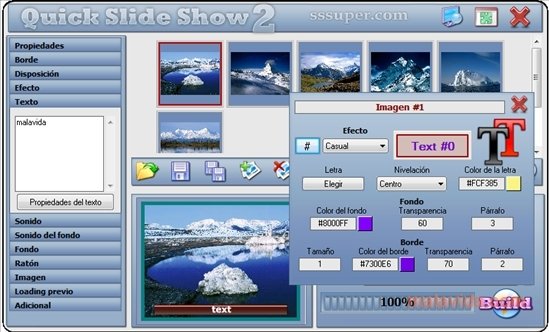
- Include text, with the possibility to configure the font, size, color, position...
Quick Slide Show has several uses that don't have to be limited to family or leisure functions. Use it in the business sector to attract the attention of your potential clients or the preparation of didactic material for teaching and educating.
A quick, flexible, effective and easy-to-use product.
How does it work?
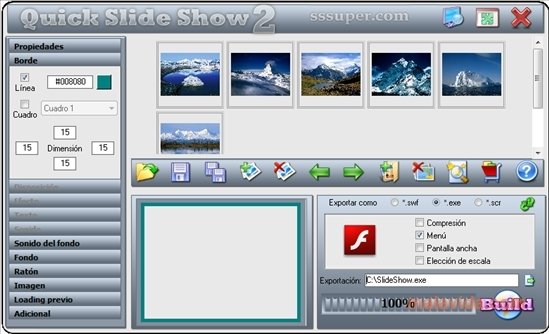
How Quick Slide Show works is very basic. Select from your disc the contents that you want to include in the presentation to import them. You will be able to see the thumbnails of each image. Altering their order on the same interface you will modify the order of the presentations.
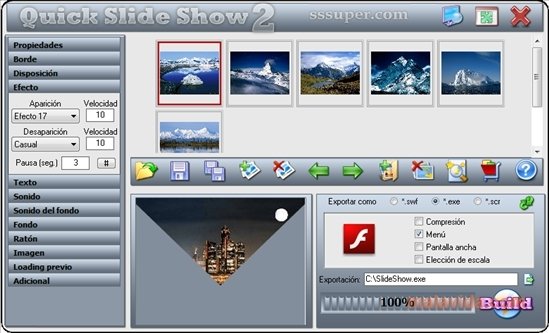
The menu on the left margin has the rest of options. Modify the size and edges of an image, effects, length and pauses, response to mouse clicks... Despite offering options to create presentations in very little time, Quick Slide Show is perfectly qualified to create presentations that are a lot more detailed.
Preview the result of your project and export it with the configuration that you deem most appropriate by pressing “Build” in the bottom right corner.
Take your photos and presentations to the next level by downloading Quick Slide Show.
Requirements and additional information:
- The trial version can be used for 7 days.
 Héctor Hernández
As a technology journalist with over 12 years of experience in the world of software and apps, I have had the opportunity to try all kinds of devices and operating systems over the years. I have done from software or mobile applications reviews...

Antony Peel